Missed-call intake
Answer calls, texts, and forms when your team is busy or off the clock.
 LeadGreeter home
LeadGreeter gathers the service, location, urgency, callback details, and job photos your trade business needs—then puts the next owner action in one clear queue.
Get StartedCapture caller details, qualify job requests, notify the right person, and show the next owner action.
Answer calls, texts, and forms when your team is busy or off the clock.
Reply quickly, collect missing details, and keep the conversation moving.
See new leads, urgent callbacks, and follow-up status in one workspace.
See urgent leads, missing details, and follow-up state in the owner queue.
Start with intake flows for contractors, home services, and local teams.
Turn calls, texts, and web forms into clean, searchable lead records.
LeadGreeter answers, asks the right questions, and turns conversations into clean lead records your team can act on.
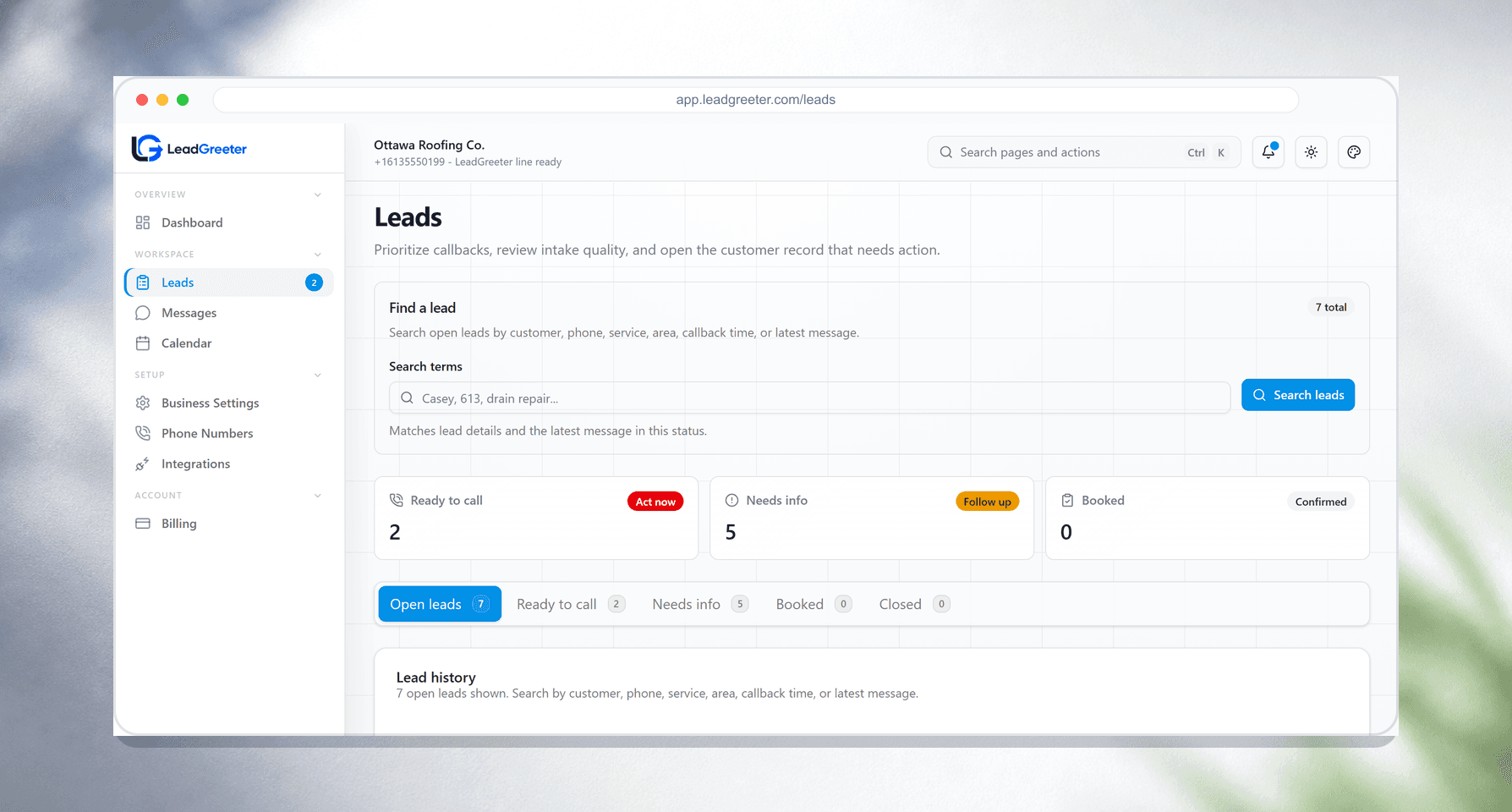
Gather the service, location, urgency, callback details, notes, and job photos in one lead record.
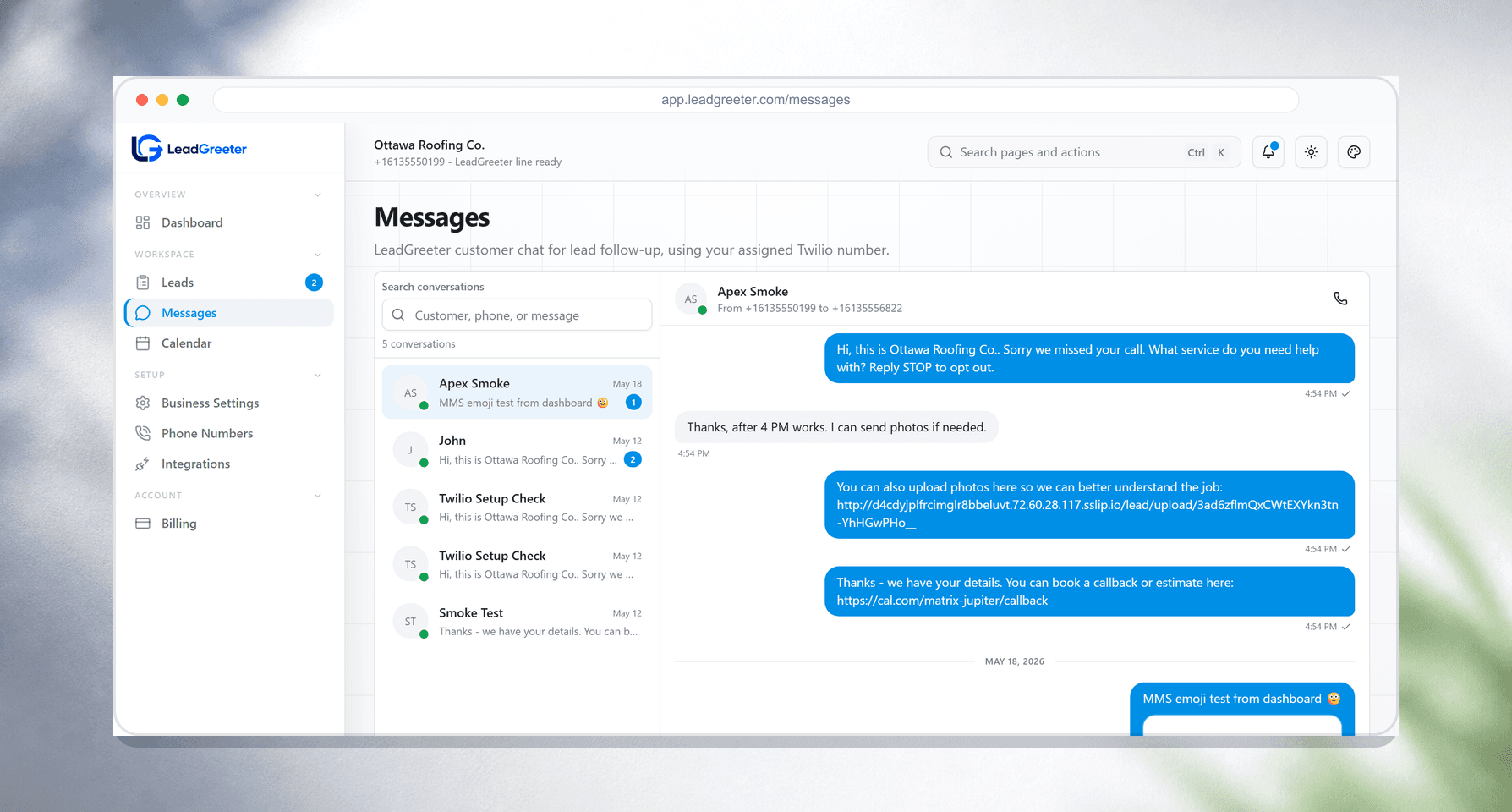
Shape questions, routing, notifications, and follow-up steps around how your business books work.
Handles inquiries, captures callback or scheduling requests, and asks for job photos.
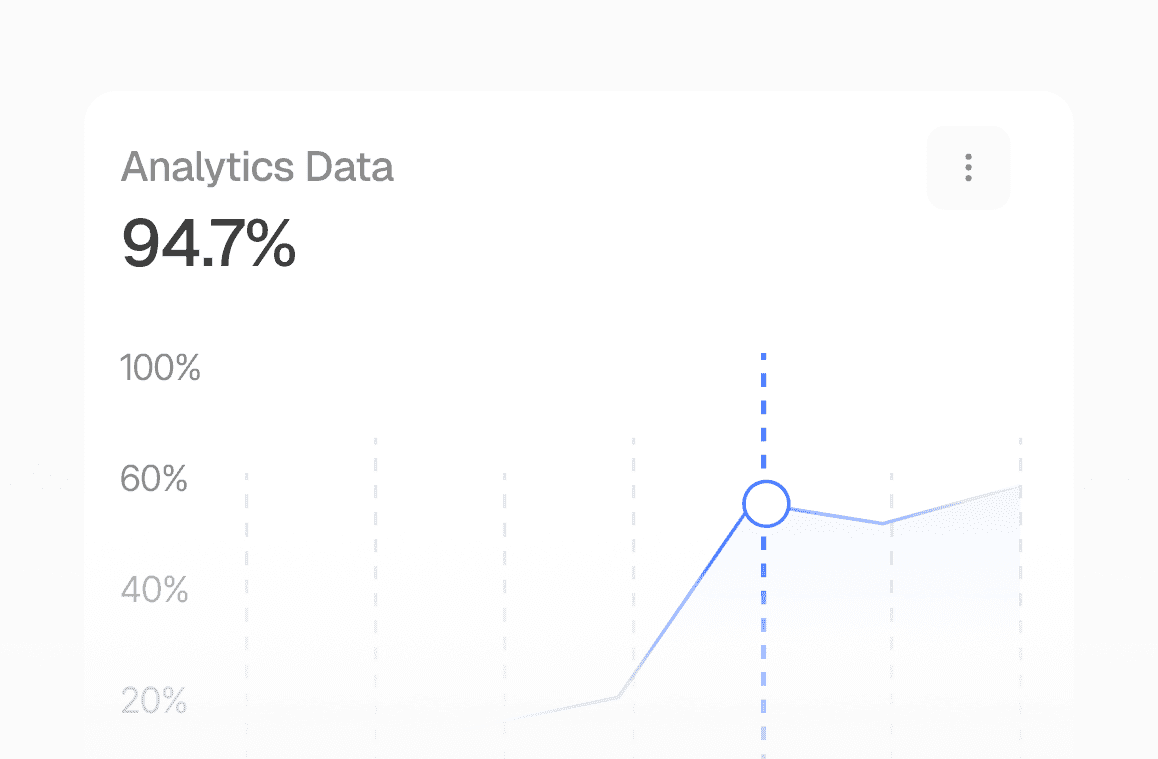
See which leads are urgent, stale, missing details, or ready for a callback.
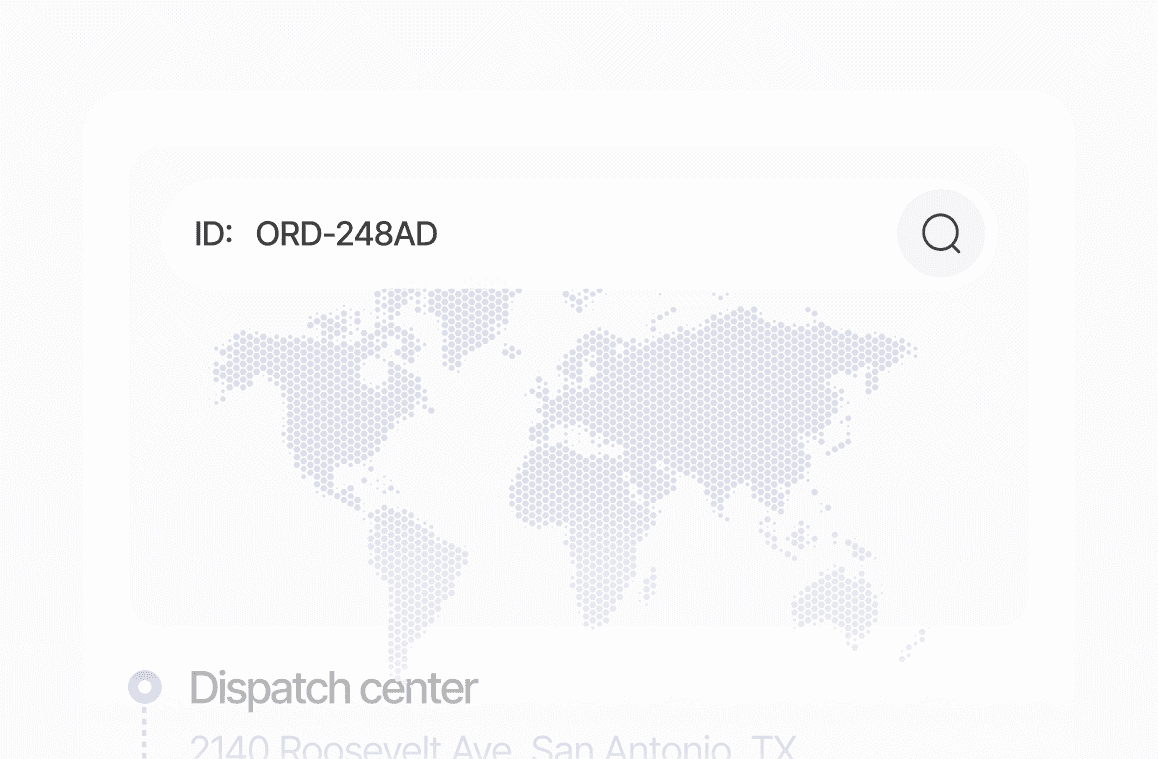
Route leads by service area, urgency, and availability without messy handoffs.
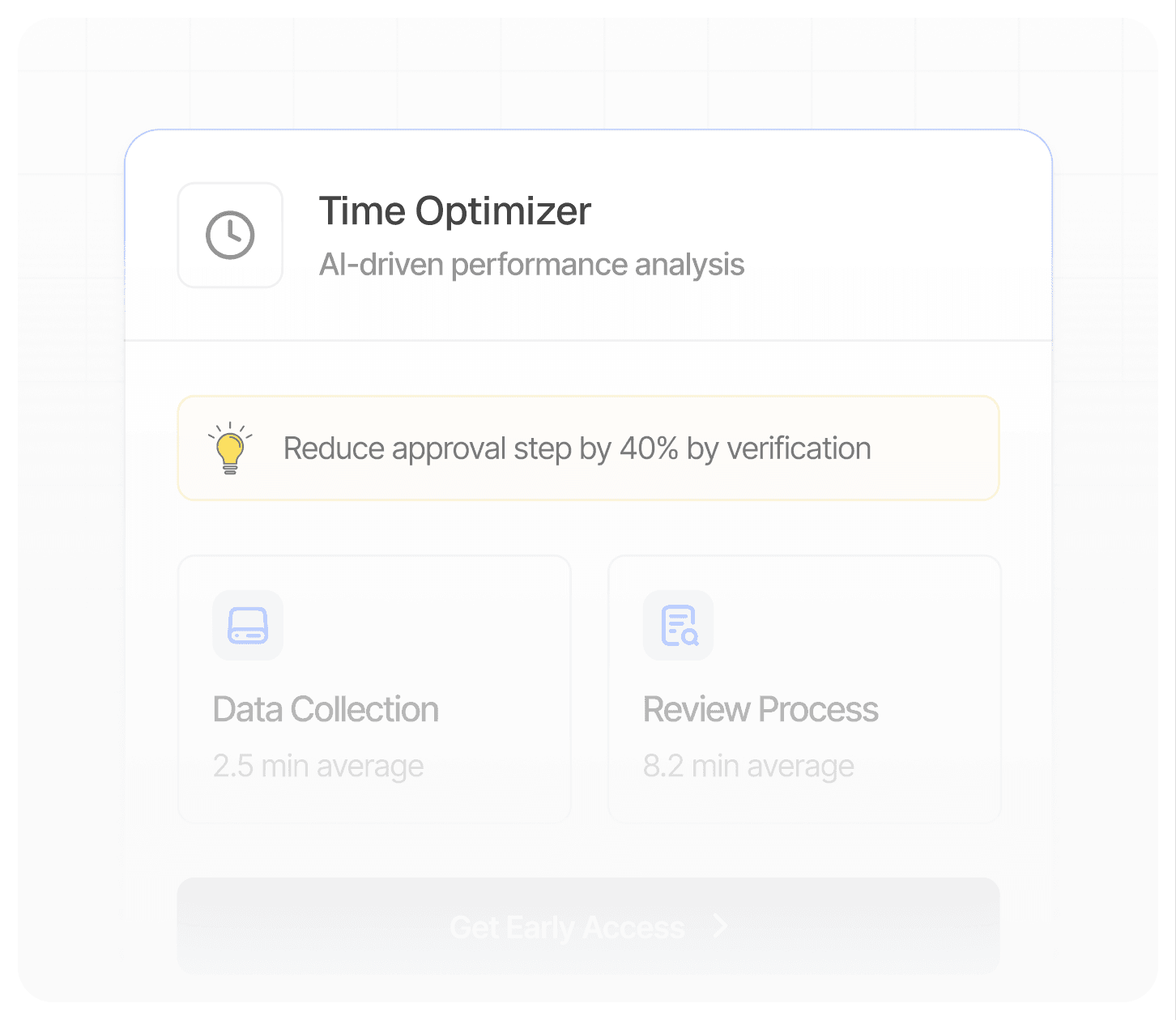
Calls, texts, notes, photos, and call context stay attached to the same lead for owner review.
View Details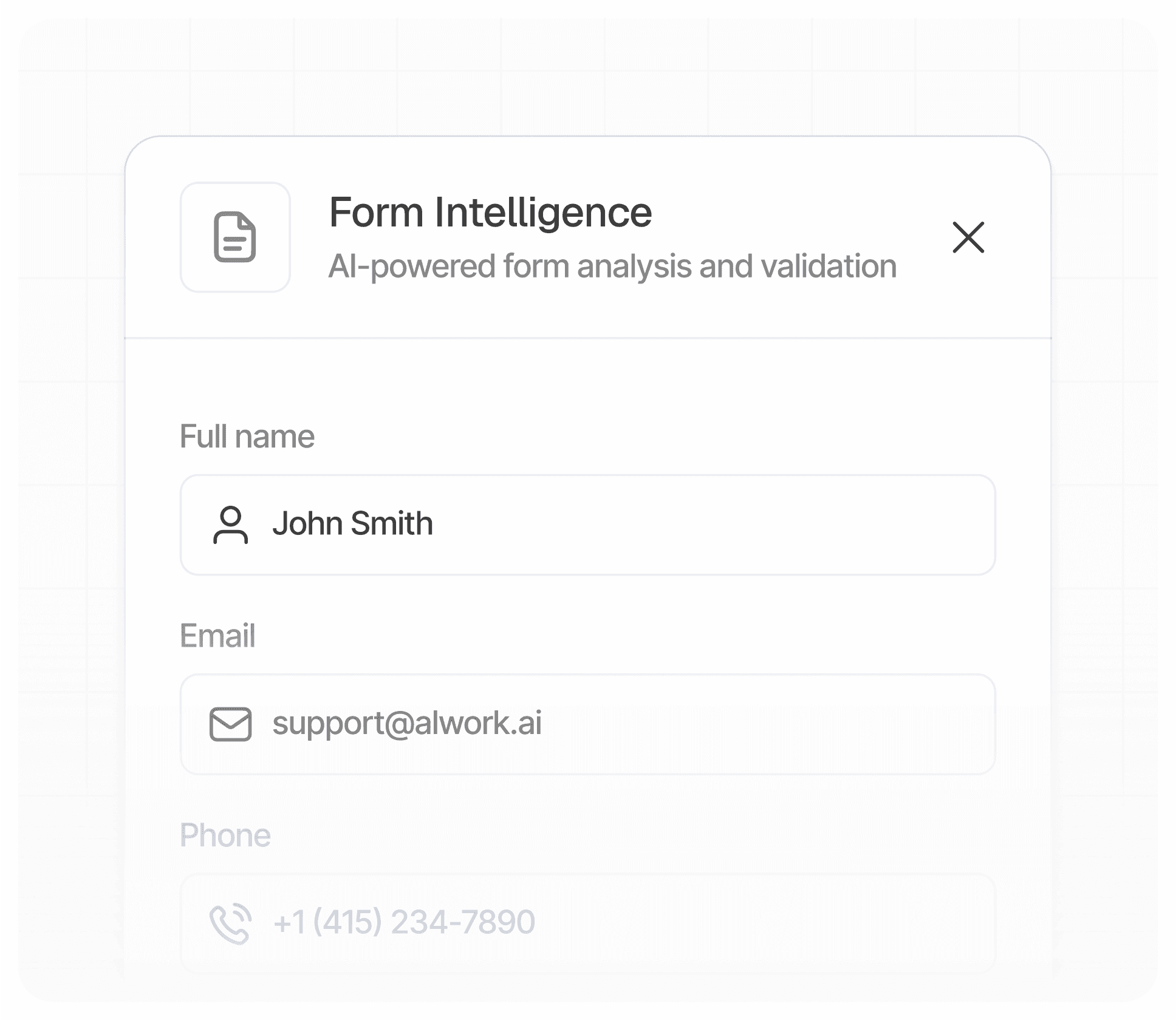
LeadGreeter gathers service, location, urgency, callback details, and photos, then surfaces the owner action.
View DetailsConnect lead records and owner alerts to the operational tools your team uses.
ConnectKeep photos, notes, and job records attached to each opportunity.
ConnectNotify dispatch, sales, or the owner when a hot lead comes in.
ConnectCreate or update CRM contacts when LeadGreeter qualifies a new inquiry.
ConnectSend opted-in leads to simple nurture and reactivation campaigns.
ConnectSend validated lead events to approved destinations in your workflow.
ConnectConnect a number, review intake prompts, and choose owner routing.
Connect a business number and choose how new calls and texts reach LeadGreeter.
Turn on your intake script, AI text intake, and routing rules.
See whether each lead needs a call, reply, review, or setup action.
Every call, detail, safeguard, and next step stays connected in one owner-ready flow.
LeadGreeter gathers the job details your team needs.
Details stay together while deterministic rules protect the workflow.
No black box—every lead lands in a clear working state.
Choose the lead intake plan that fits your call volume, follow-up needs, and service team.
Essential AI receptionist, SMS intake, photo requests, and follow-ups for smaller teams.
Higher usage, integrations, and priority onboarding for busy teams.
Expanded usage, workflows, integrations, and dedicated onboarding for larger operations.
Answers about missed calls, AI receptionist setup, lead capture, and customer follow-up.
LeadGreeter answers routine first-contact questions, gathers service details, and places the next owner action in the queue.
LeadGreeter captures missed calls, organizes new inquiries, asks for key job details, sends SMS follow-ups, and alerts your team.
We use practical security controls and limit access to the systems needed to provide, support, and improve the service.
Yes. You can review your intake flow, sample messages, and lead routing before using it with real customers.
LeadGreeter can connect lead records and alerts into field-service and CRM workflows, team notifications, custom webhooks, and follow-up lists.
Yes. You can shape questions, routing, urgency rules, and follow-up behavior around how your team handles leads.
Bring call, text, photo, and callback details into one job-ready intake queue.
Get Started